Kingslee
♂ BoyAge—
Weight—
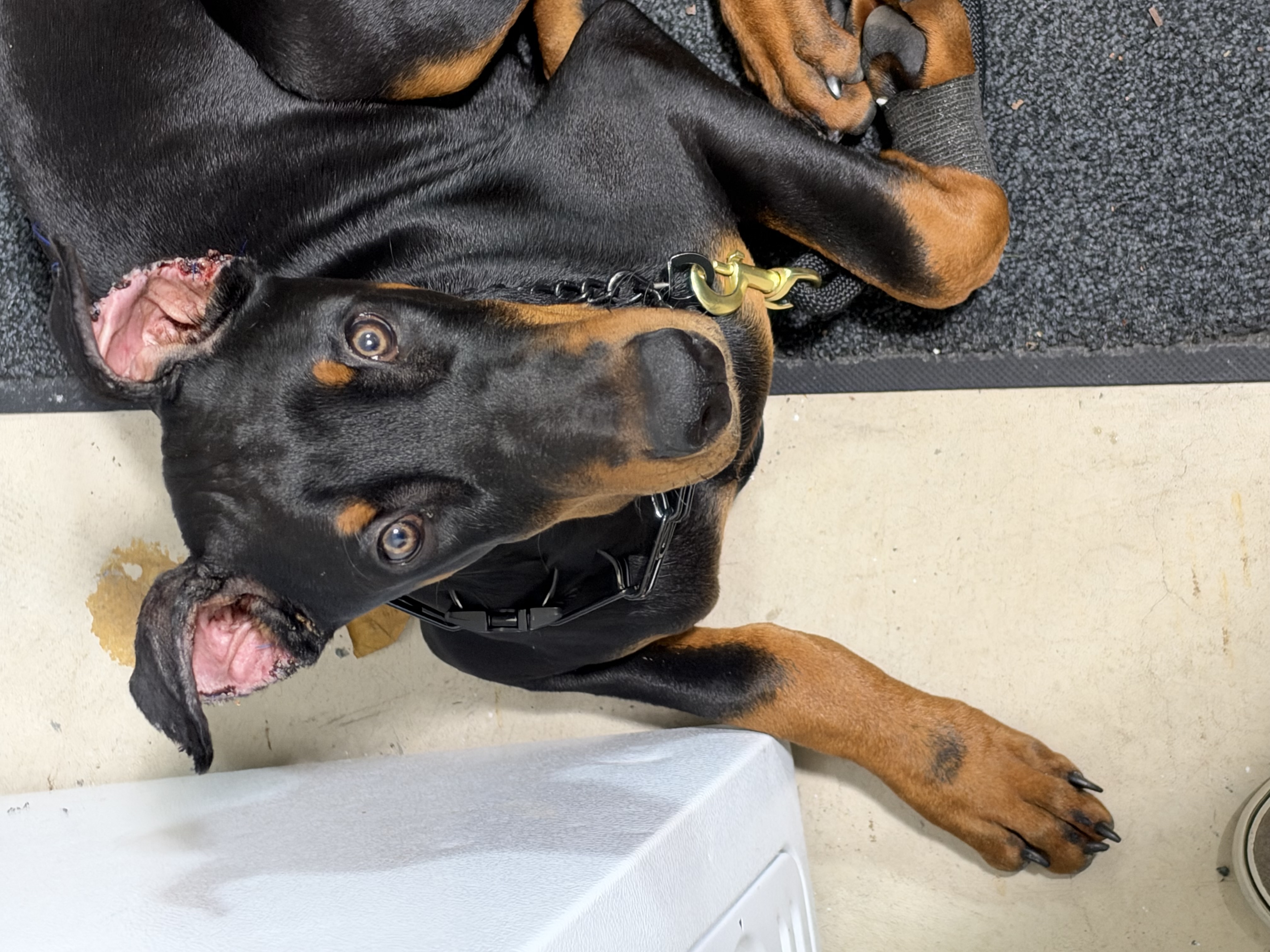
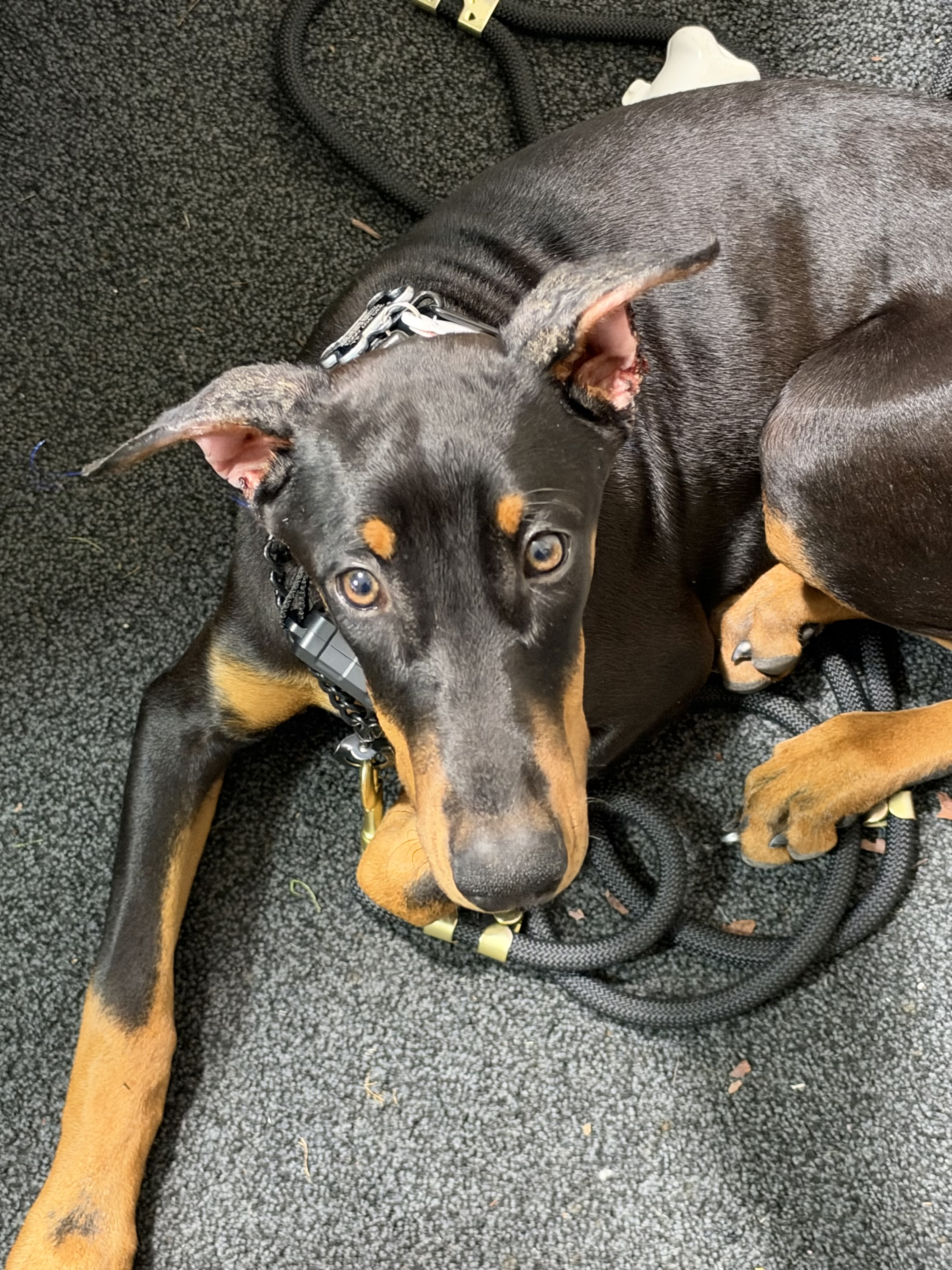
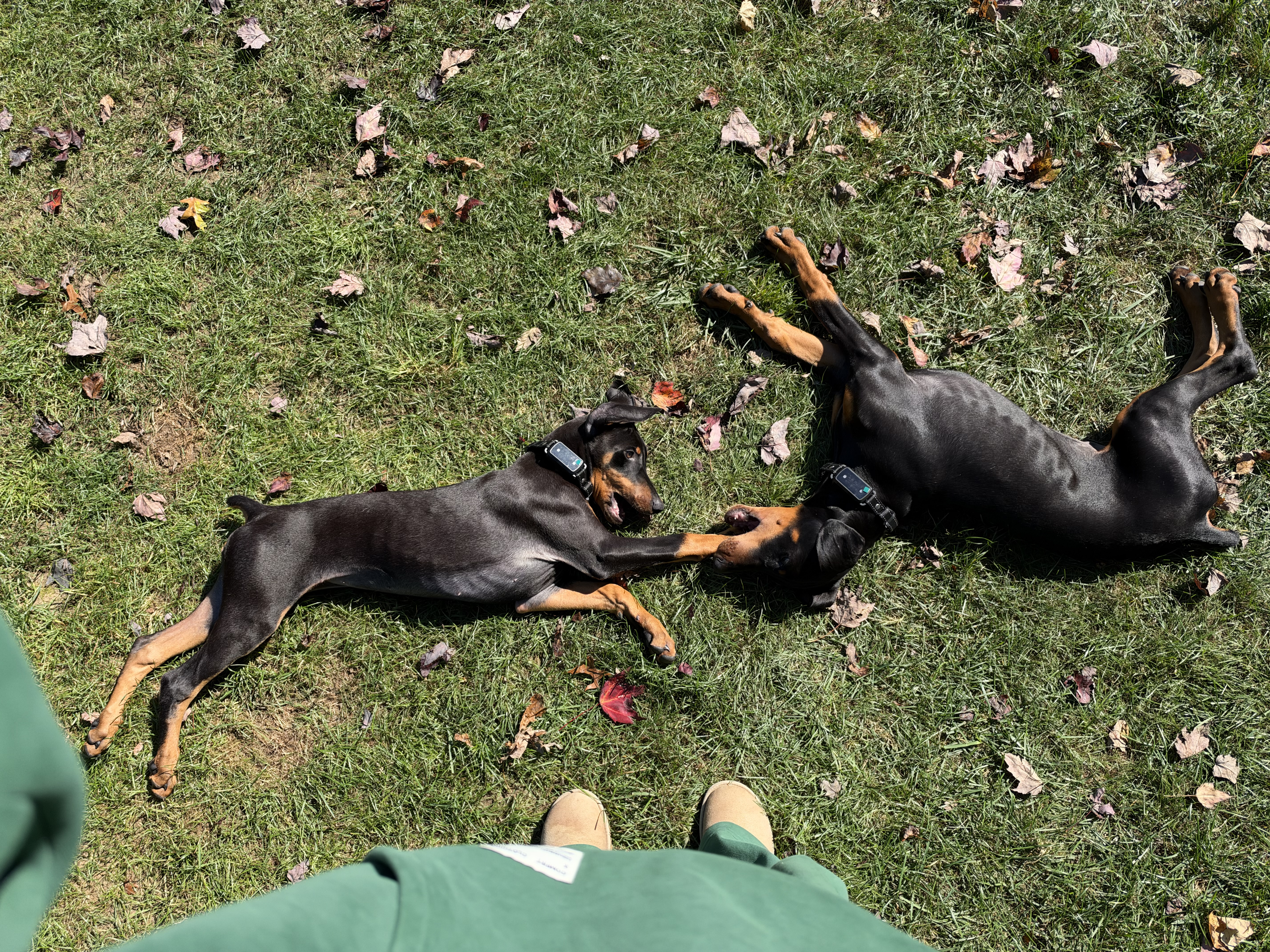
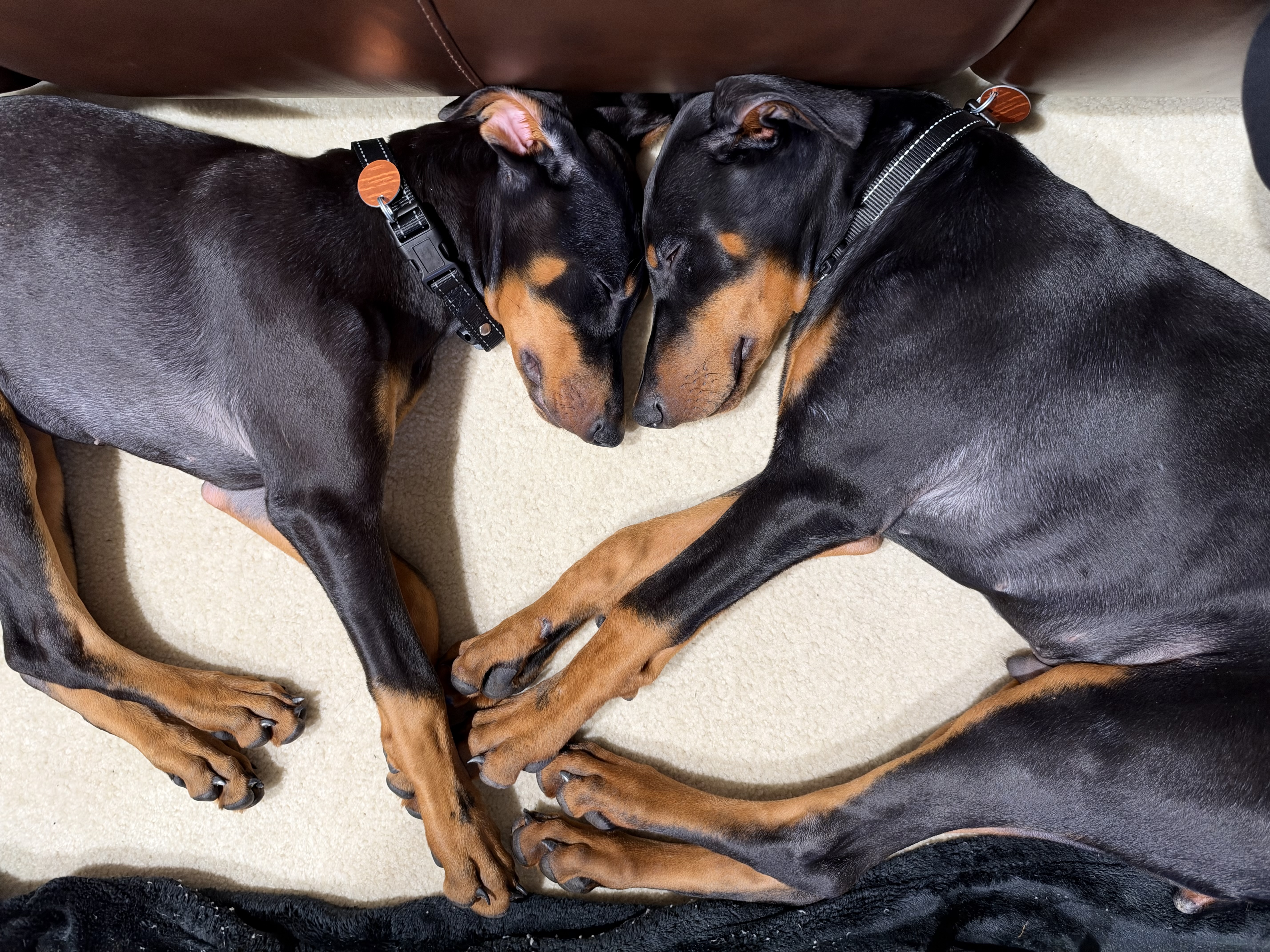
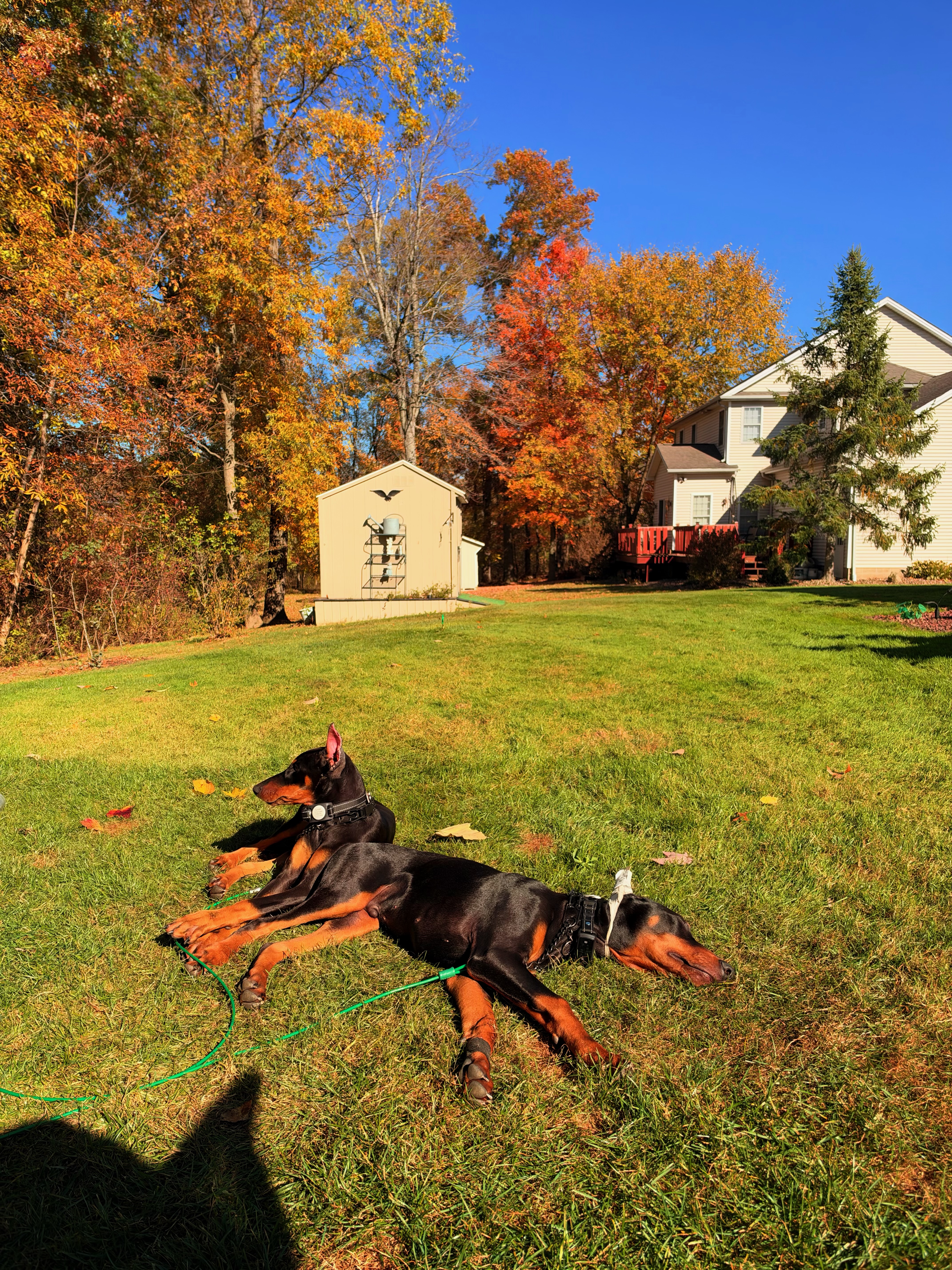
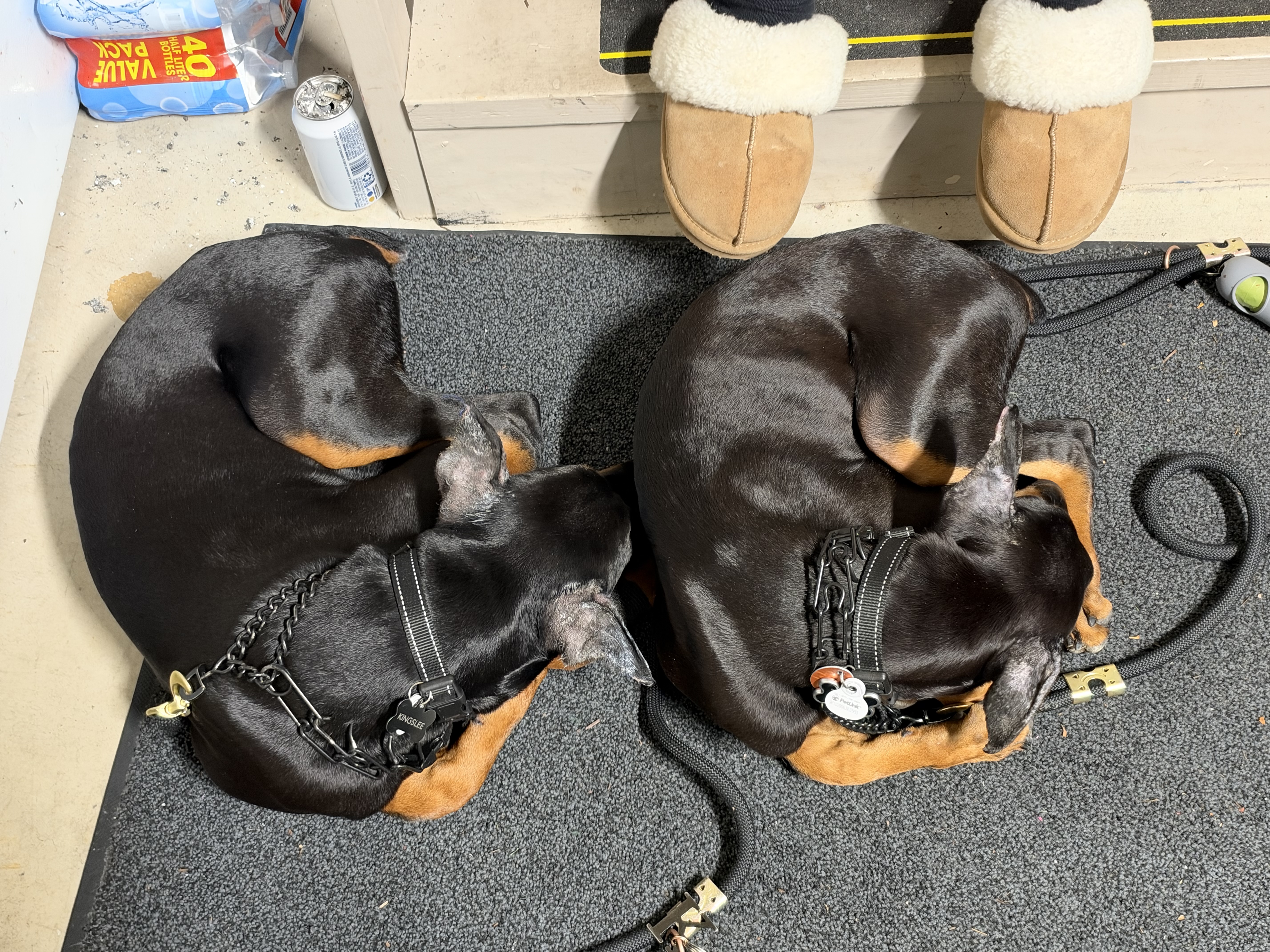
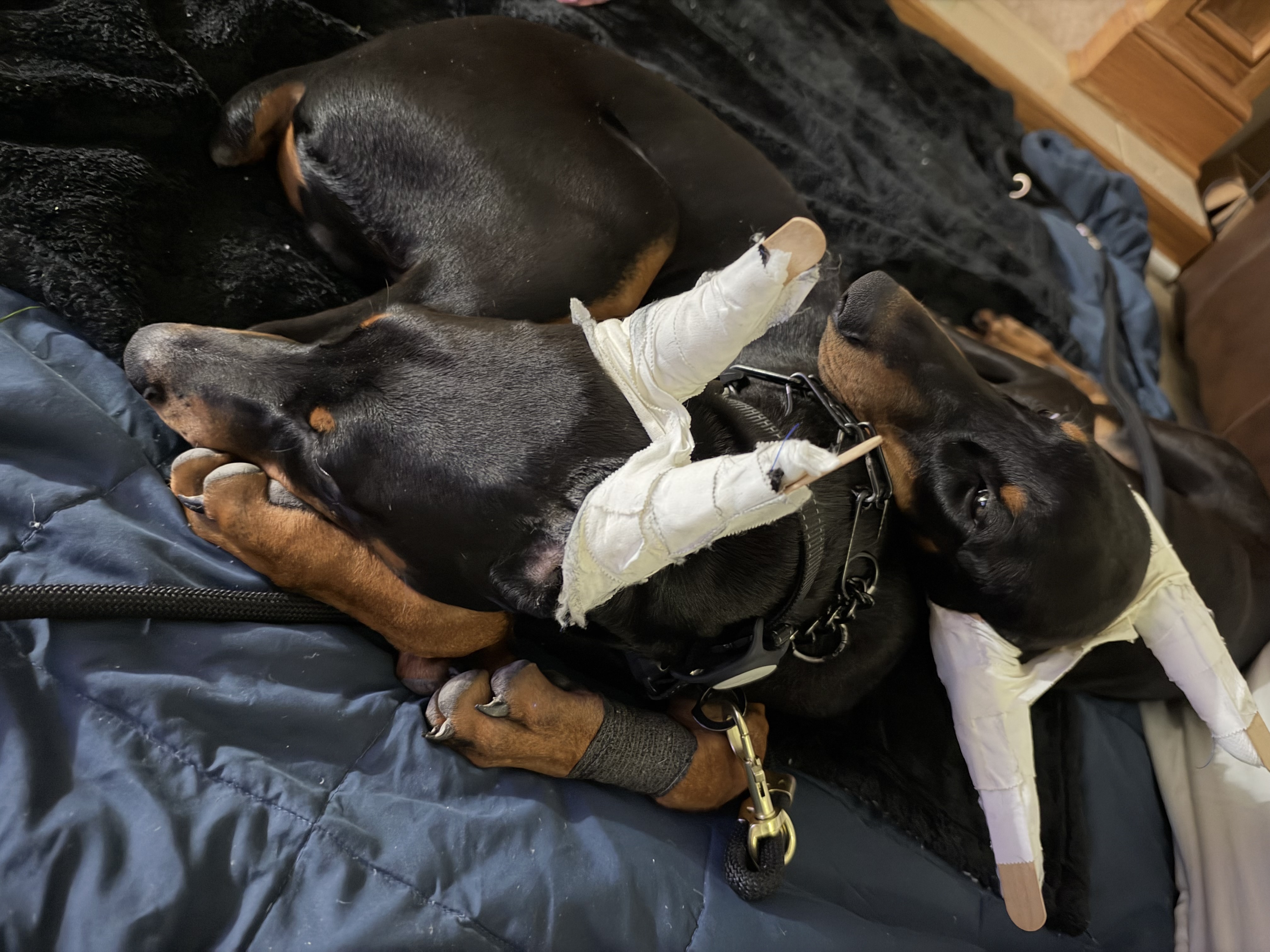
One boy, one girl, four freshly cropped ears and a lot of zoomies. This is home base for meals, training, weekly ear posting, trail days and every photo along the way.
Log your first vet visit to start the countdown.
Resets every morning. Ticks sync between your phone and Mac.
Drag videos from Finder or Photos straight onto the screen. They upload to your video storage and play back to back on a loop, on your MacBook and your phone.
Videos are too big for the photo uploader, so they go to a free Cloudinary account (25 GB free, up to 100 MB per video). You only do this once.
or click below. Pick several at once with ⌘-click.